
Steps
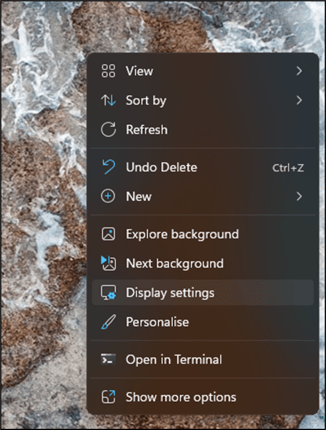
- Right-click on your desktop and select Display settings.
- Alternatively, go to Settings → System → Display.
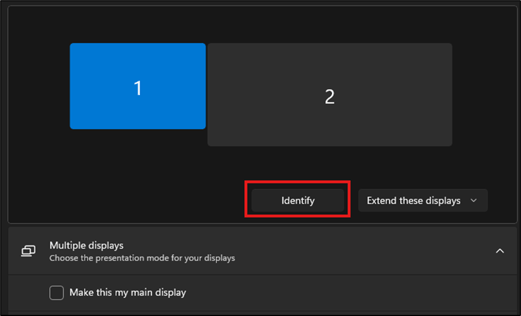
- If you have multiple monitors, make sure the correct display is selected.
- Click Identify to display a number on each monitor and confirm which display you are configuring.
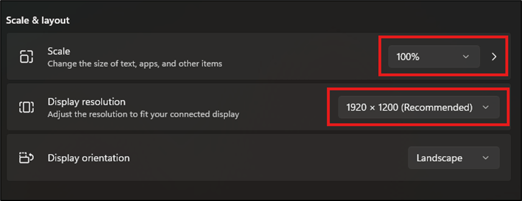
- Scroll down to Scale & layout.
- Set Scale to 100%.
- Set Display resolution to 1920 × 1080.
Your display is now configured for Discovery.